

Adding Together AI Credentials
You can add Together AI credentials by navigating to the Providers page under Settings.Configure Provider Name
Click on the plus (+) icon next to Together AI.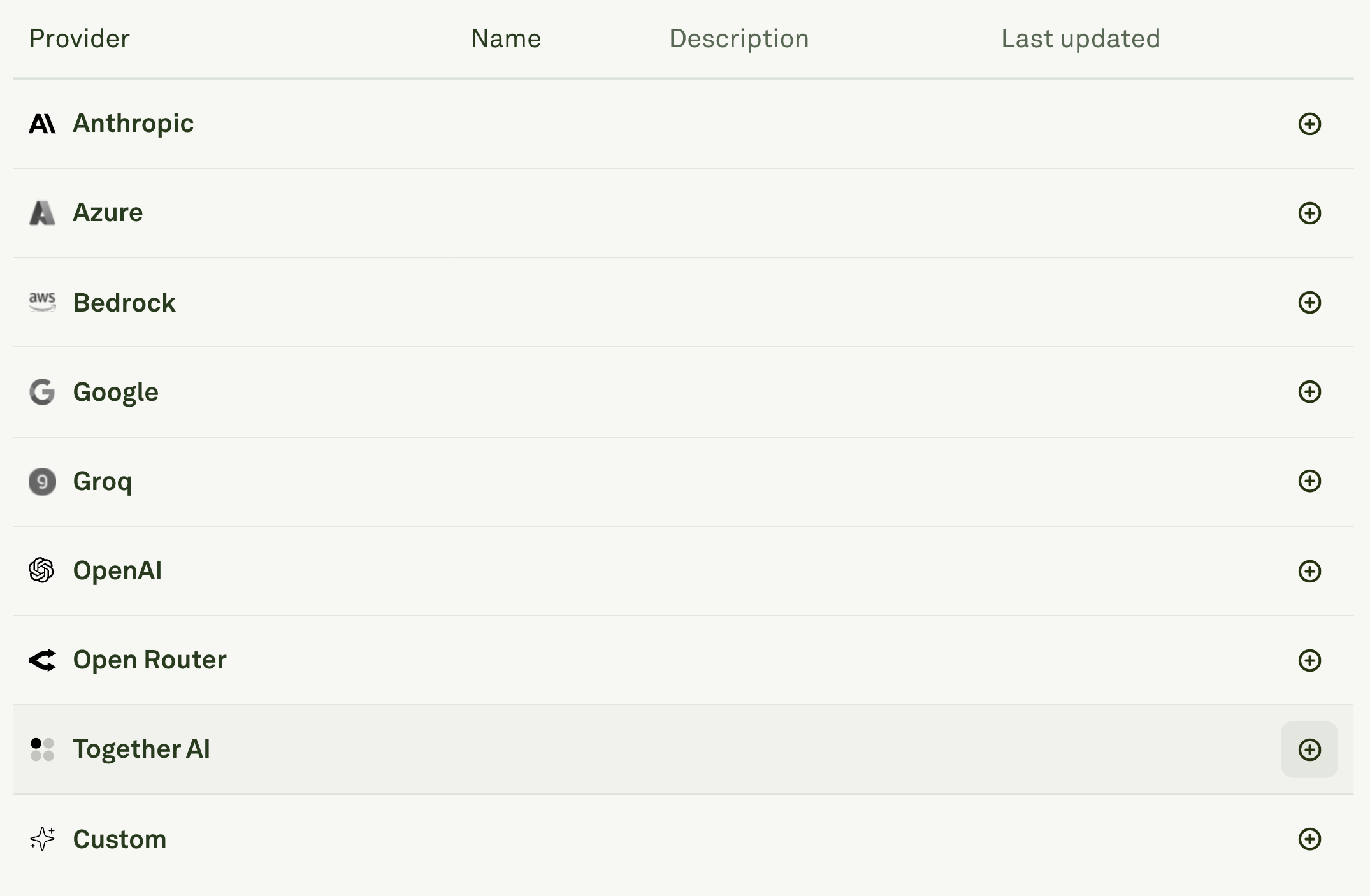
- Enter a unique Name for your Together AI configuration (e.g., “together-ai-prompt”).
- This name will be used to identify the provider configuration in model dropdowns throughout Adaline.
- The name appears as a prefix before each model name to help you distinguish between different Together AI accounts.
Enter API Credentials
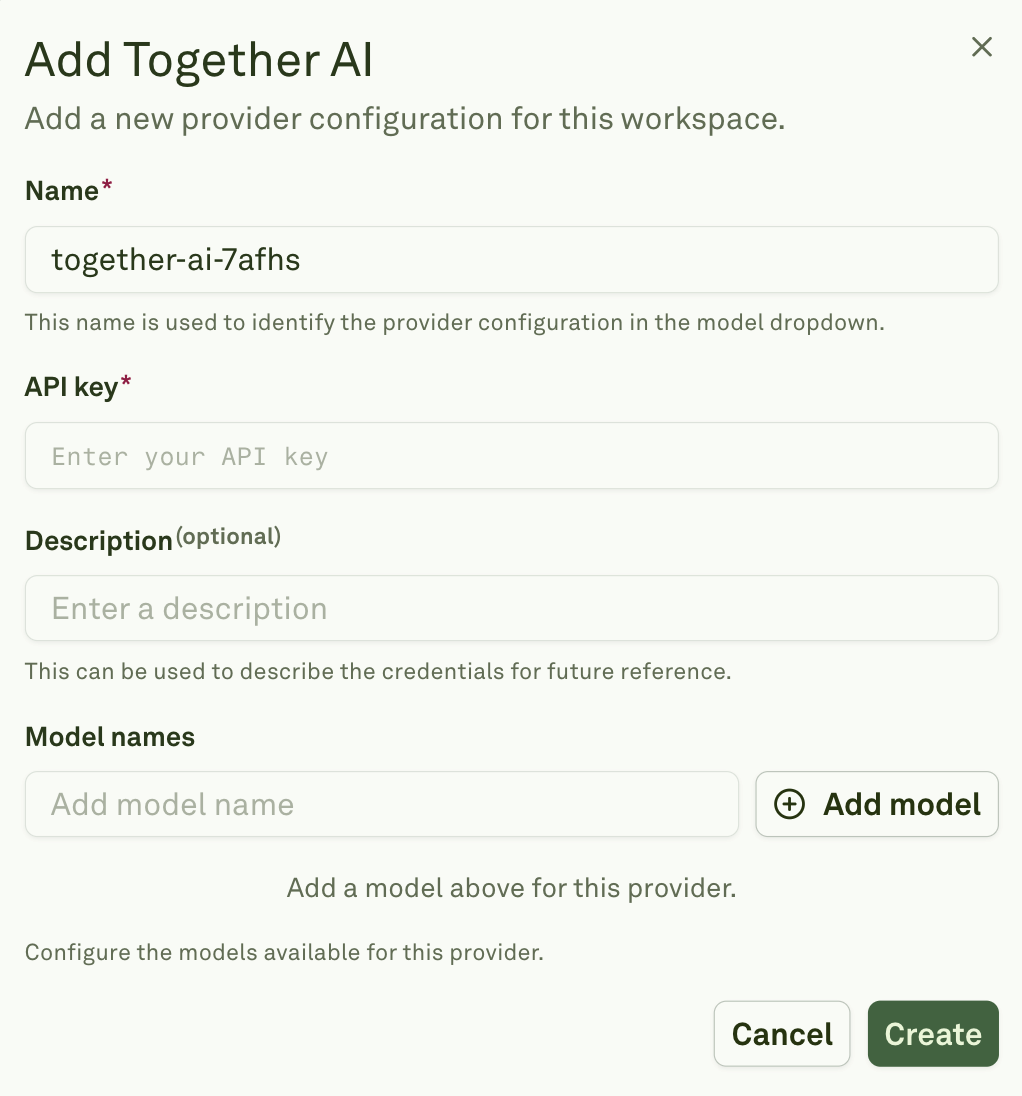
- Add your API key in the required field.
- Optionally, add a Description to help identify the purpose of these credentials for future reference (e.g., “Main Together AI account” or “Research team access”).
Configure Available Models
In the Model names section, click “Add model” to specify which models should be available from Together AI.
- You’ll need to manually add each model name you want to use.