

Playground Tool Call Workflow
When the LLM determines it needs external data, it generates a tool call request that appears as a distinct content block in the conversation flow. The role that makes the actual tool call is Assistant. Learn more about roles in Adaline in the roles and content blocks section. Below is a typical Playground flow that requires the use of tools. The process is the same as creating role-based prompts, but, in this case, this happens inside the Playground. Suppose you have added a tool that answers “yes” or “no” to a prompt. The image below shows the user’s query and the LLM’s response: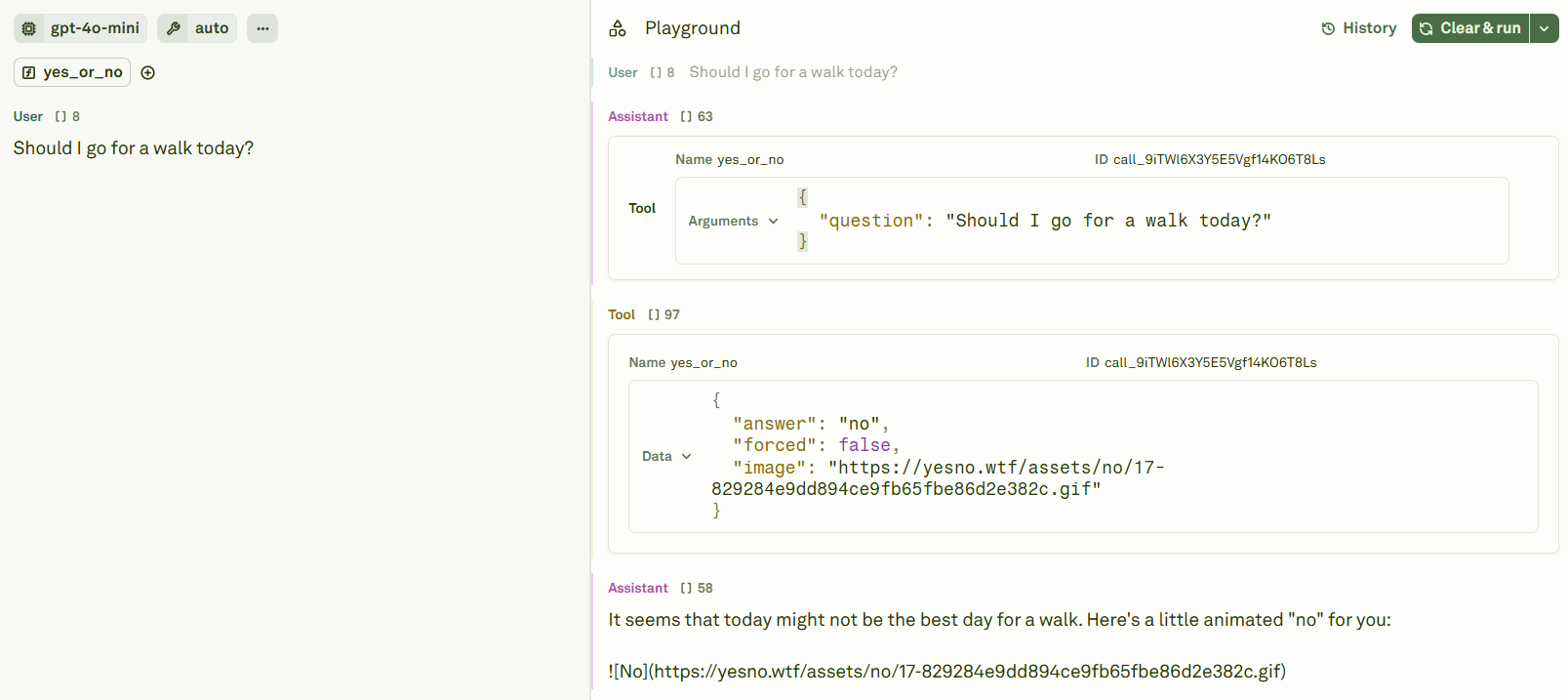
answer field and run the prompt again:
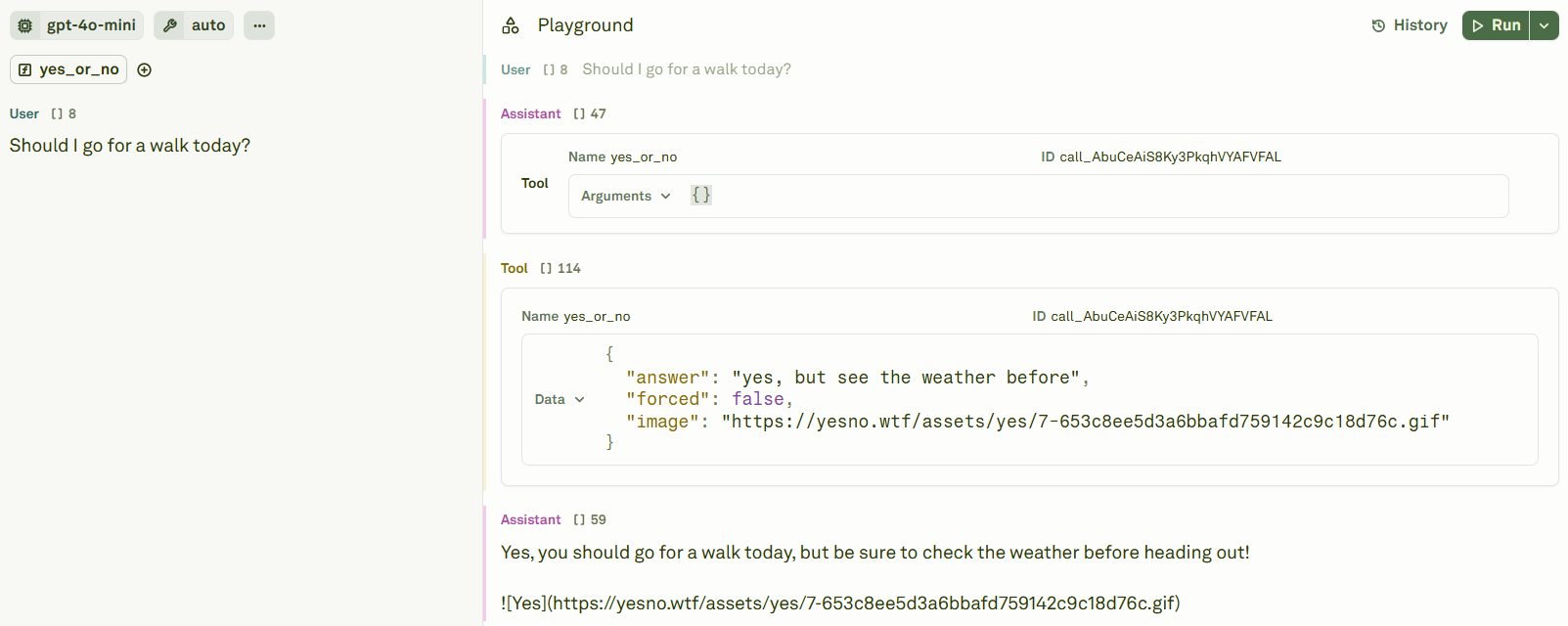
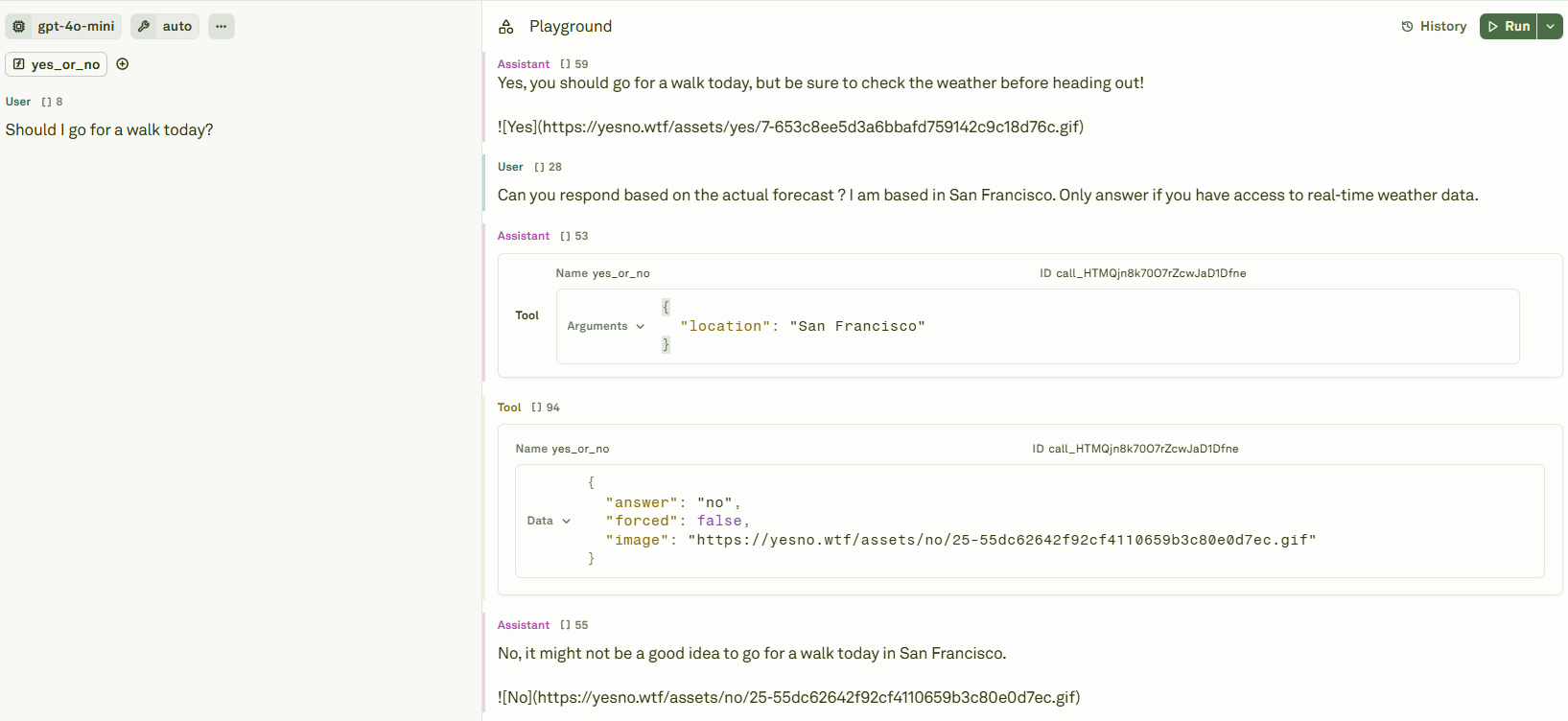
"answer": "no". This happened because the LLM has no access to the actual weather forecast. Also, it is forced to only answer “yes” or “no”, so it forced itself to such an answer.