

Note: This feature only supports uploading CSV files
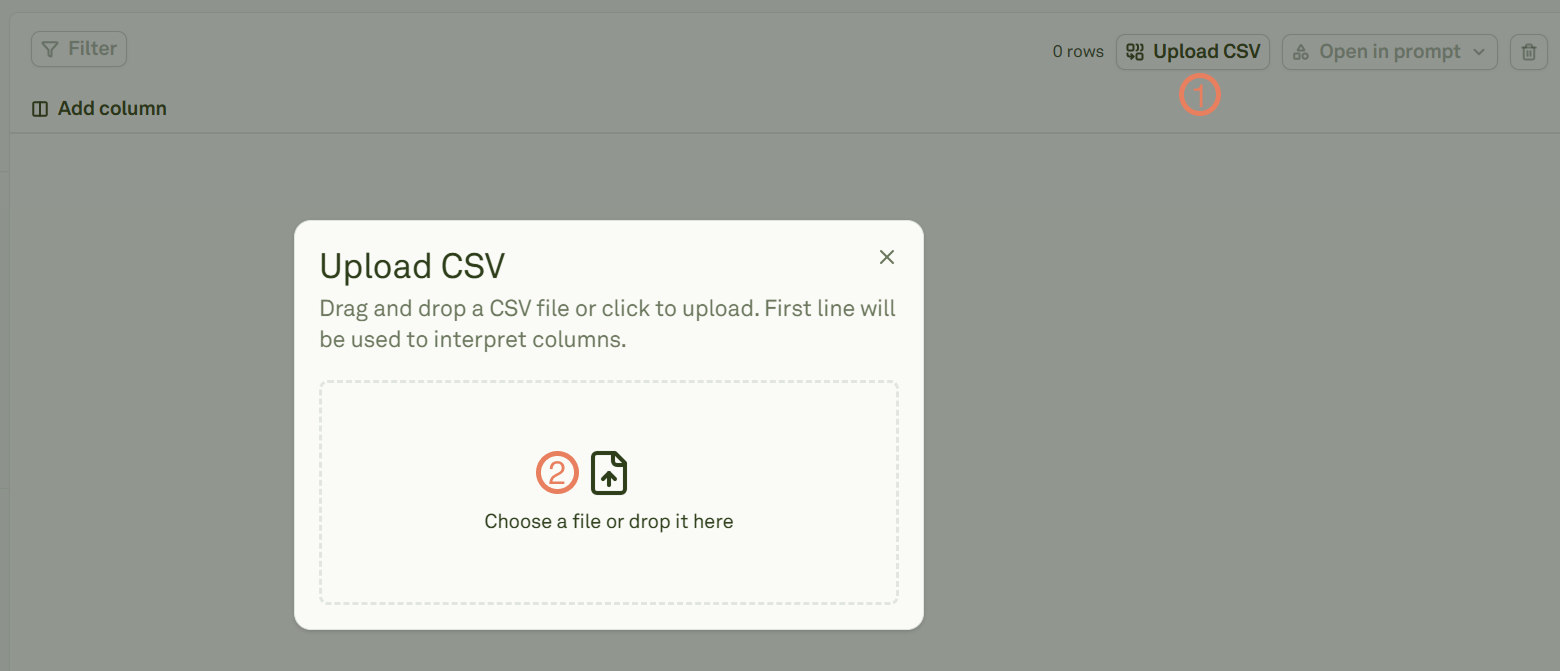
- If the dataset is empty (it has no columns and empty rows), it will create column names and append all the values stored in the rows of the CSV to the rows of the dataset. In this case, the columns will take the name of the values stored in the first row of the CSV.
- If the dataset has column names, it will append all the values stored in the rows of the CSV to the rows of the dataset. In this case, the first row of the CSV file must store the exact column names that the dataset has.