

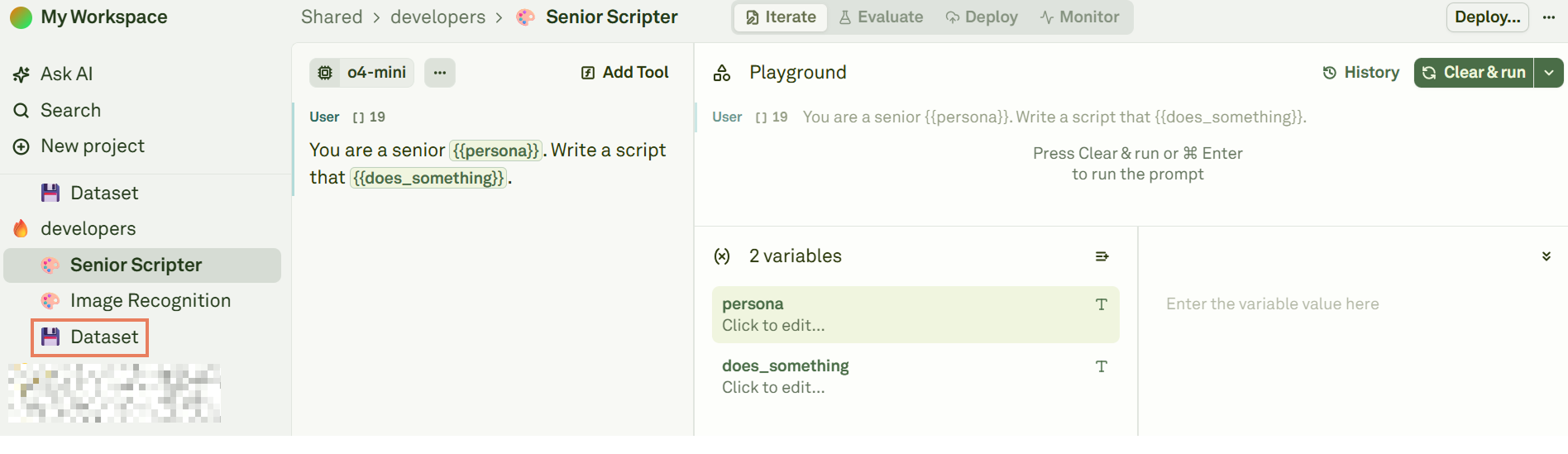
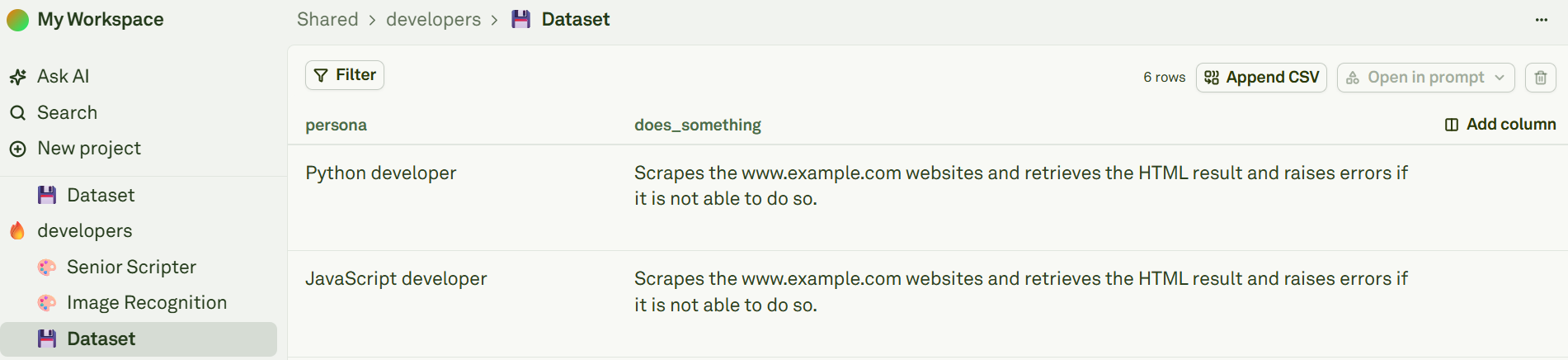
- The names of the columns must match the names of the variables.
- Each column must have at least one row. This means that each variable must have at least one value.
- There can be more columns than variables. In this case, columns exceeding the number of variables will be ignored during the evaluation process.
Dynamic Columns
Datasets support dynamic columns that can be configured as API variables or prompt variables at the column level. This allows you to:- Fetch live data from external HTTP endpoints
- Execute other prompts and use their outputs
- Automatically populate columns instead of manually entering values
- Select a column and click on the to delete it.
- Select a row and click on the to delete it.