

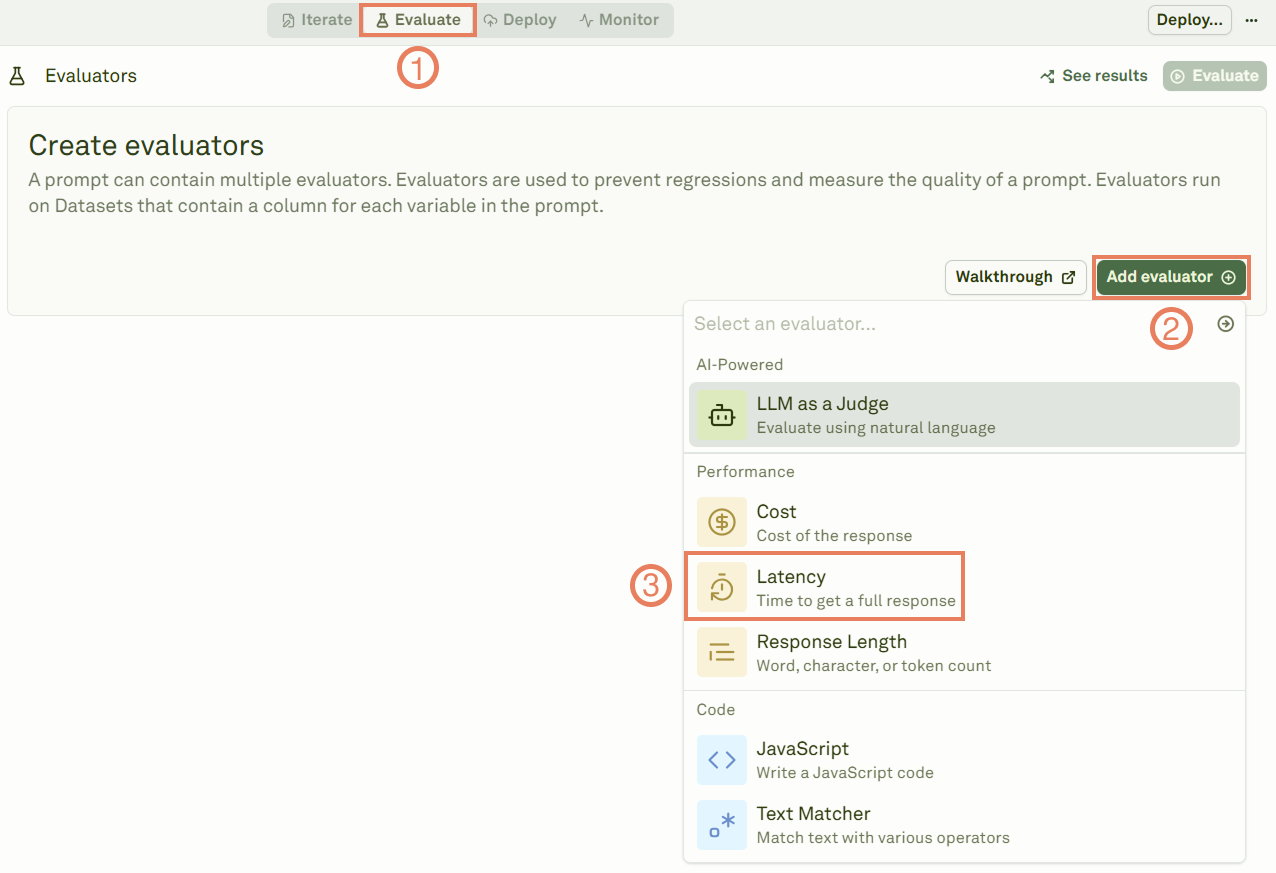
Link a dataset
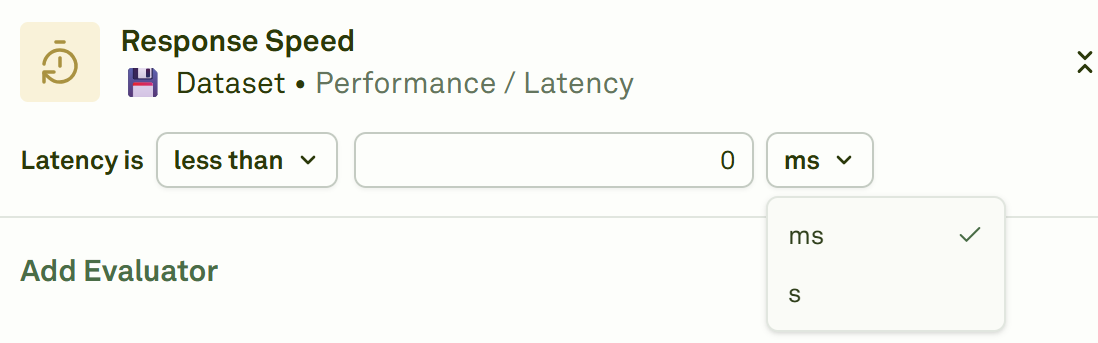
Give a name to the evaluator, link the dataset to it, and select the latency threshold.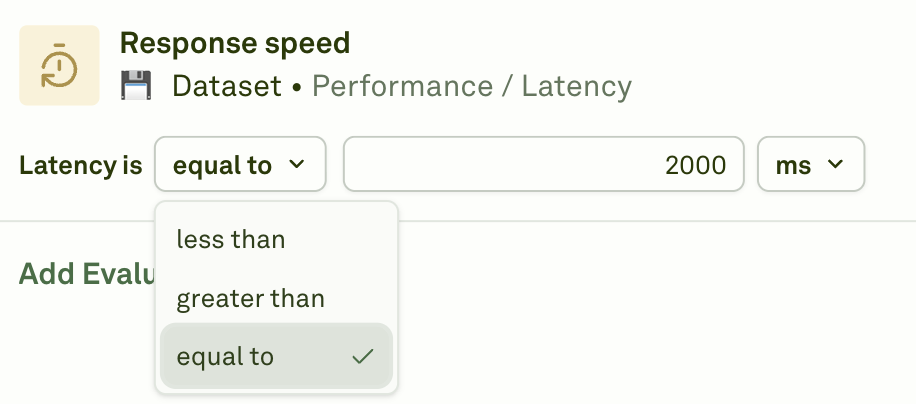
less than: The response must be faster than your threshold.greater than: The response must be slower than your threshold.equal to: The response must match your exact timing requirement.
Note on Prompt Chaining: When your prompt uses prompt variables (child prompts), latency is calculated based on the slowest execution at each level of the prompt chain. Think of it like a graph: prompts at the same depth level execute in parallel, and we take the maximum time from that level. The total latency is the sum of the maximum latencies from each level. For example, if Prompt A calls Prompts B and C in parallel (level 1), and Prompt C calls Prompts D and E in parallel (level 2), the latency would be: max(B, C) + max(D, E) + A’s own latency.